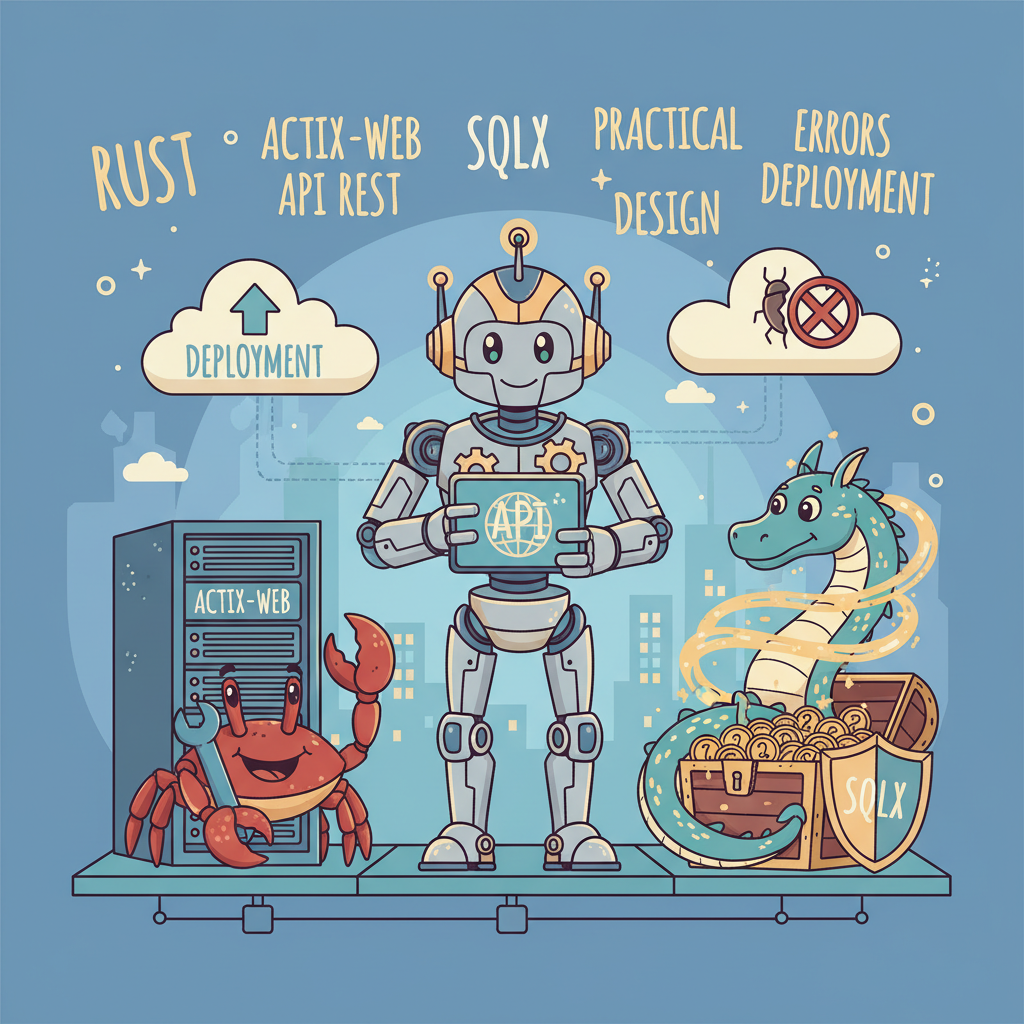
API REST en Rust con Actix-web y SQLx: diseño práctico, errores y despliegue
En este artículo verás cómo construir una API REST sencilla y robusta en Rust usando Actix-web y SQLx (Postgres). Enfócate en: inicialización del pool, rutas y handlers asincrónicos, manejo de errores, transacciones, cierre ordenado y despliegue en Docker.
1) Dependencias y estructura
Cargo.toml mínimo (resalta características importantes):
[package]
name = "api-rust"
version = "0.1.0"
edition = "2021"

[dependencies]
actix-web = "4"
serde = { version = "1.0", features = ["derive"] }
serde_json = "1.0"
sqlx = { version = "0.7", features = ["postgres", "runtime-tokio-rustls", "uuid"] }
tokio = { version = "1", features = ["macros", "rt-multi-thread"] }
tracing = "0.1"
tracing-subscriber = "0.3"
uuid = { version = "1", features = ["serde", "v4"] }
2) Configuración del pool y logging
Crea el Pool de Postgres con configuraciones razonables y habilita tracing para logs estructurados:
use sqlx::postgres::PgPoolOptions;
use tracing_subscriber::fmt::init as tracing_init;

#[actix_web::main]
async fn main() -> std::io::Result<()> {
    tracing_init();

    let db_url = std::env::var("DATABASE_URL").expect("DATABASE_URL required");
    let pool = PgPoolOptions::new()
        .max_connections(10)
        .connect(&db_url)
        .await
        .expect("failed to connect to Postgres");

    // build and run server (ver siguiente sección)
    Ok(())
}
3) Modelos y handlers
Ejemplo simple: usuario con id (UUID) y nombre.
use serde::{Deserialize, Serialize};
use uuid::Uuid;

#[derive(Serialize, Deserialize, sqlx::FromRow)]
struct User {
    id: Uuid,
    name: String,
}

#[derive(Deserialize)]
struct CreateUser {
    name: String,
}
Handler para crear usuario (usa transacción para ejemplo):
use actix_web::{web, HttpResponse, Responder};

async fn create_user(
    pool: web::Data<:pgpool>,
    payload: web::Json,
) -> actix_web::Result {
    let mut tx = pool.begin().await.map_err(|e| {
        actix_web::error::ErrorInternalServerError(format!("DB TX start: {}", e))
    })?;

    let id = Uuid::new_v4();
    sqlx::query!("INSERT INTO users (id, name) VALUES ($1, $2)", id, payload.name)
        .execute(&mut tx)
        .await
        .map_err(|e| actix_web::error::ErrorInternalServerError(format!("Insert: {}", e)))?;

    tx.commit().await.map_err(|e| {
        actix_web::error::ErrorInternalServerError(format!("TX commit: {}", e))
    })?;

    Ok(HttpResponse::Created().json(User { id, name: payload.name.clone() }))
}
Handler para obtener usuario por id:
async fn get_user(
    pool: web::Data<:pgpool>,
    path: web::Path,
) -> actix_web::Result {
    let id = path.into_inner();
    let user = sqlx::query_as::<_, User>("SELECT id, name FROM users WHERE id = $1")
        .bind(id)
        .fetch_one(pool.get_ref())
        .await
        .map_err(|e| actix_web::error::ErrorNotFound(format!("not found: {}", e)))?;

    Ok(HttpResponse::Ok().json(user))
}
4) Rutas, middleware y servidor
use actix_web::{App, HttpServer};

#[actix_web::main]
async fn main() -> std::io::Result<()> {
    tracing_init();

    let db_url = std::env::var("DATABASE_URL").expect("DATABASE_URL required");
    let pool = PgPoolOptions::new().max_connections(10).connect(&db_url).await.unwrap();

    let server = HttpServer::new(move || {
        App::new()
            .app_data(web::Data::new(pool.clone()))
            .route("/users", web::post().to(create_user))
            .route("/users/{id}", web::get().to(get_user))
    })
    .bind(("0.0.0.0", 8080))?
    .run();

    // graceful shutdown on Ctrl+C
    let handle = server.handle();
    tokio::spawn(async move {
        tokio::signal::ctrl_c().await.unwrap();
        tracing::info!("shutting down server");
        handle.stop(true).await;
    });

    server.await
}
5) Manejo de errores bien estructurado
No devuelvas 500 por defecto: implementa un tipo de error que traduzca a códigos HTTP y mensajes no verbosos para el usuario.
use actix_web::{http::StatusCode, HttpResponse, ResponseError};
use thiserror::Error;

#[derive(Error, Debug)]
enum AppError {
    #[error("not found")]
    NotFound,
    #[error("bad request: {0}")]
    BadRequest(String),
    #[error("internal")]
    Internal(#[from] anyhow::Error),
}

impl ResponseError for AppError {
    fn status_code(&self) -> StatusCode {
        match self {
            AppError::NotFound => StatusCode::NOT_FOUND,
            AppError::BadRequest(_) => StatusCode::BAD_REQUEST,
            AppError::Internal(_) => StatusCode::INTERNAL_SERVER_ERROR,
        }
    }

    fn error_response(&self) -> HttpResponse {
        HttpResponse::build(self.status_code()).json(serde_json::json!({
            "error": self.to_string()
        }))
    }
}
6) Migraciones y SQLx
Usa sqlx-cli o cualquier migrator. Ejemplo con sqlx-cli:
cargo install sqlx-cli --no-default-features --features postgres

# crear carpeta migrations y agregar SQL
sqlx migrate add create_users
# luego ejecutar
sqlx migrate run
7) Dockerfile — multi-stage para release
FROM --platform=linux/amd64 rust:1.70 as builder
WORKDIR /app
COPY . .
RUN cargo build --release

FROM debian:bookworm-slim
COPY --from=builder /app/target/release/api-rust /usr/local/bin/api-rust
ENV RUST_LOG=info
EXPOSE 8080
CMD ["/usr/local/bin/api-rust"]
8) Buenas prácticas y rendimiento
- Configura pool.max_connections según la capacidad de Postgres y los límites del entorno.
- Usa prepared statements (sqlx query! macros cuando puedas) para seguridad y rendimiento.
- Instrumenta con tracing + Prometheus/OpenTelemetry para observar latencias y errores.
- Haz health checks y endpoints liveness/readiness para orquestadores.
9) Seguridad y validaciones
Valida y sanitiza entradas. Usa TLS en transporte y en la conexión a la base de datos. Evita exponer mensajes de error internos al cliente. Nunca concatenes SQL dinámico sin parámetros.
Código de ejemplo usa bind y query! para evitar inyecciones; verifica siempre que los parámetros estén tipados y limitados.
Si necesitas pruebas, escribe tests de integración lanzando una instancia ephemeral de Postgres (testcontainers) y ejecuta migraciones antes de correr los tests.
Siguiente paso: integra tracing y métricas, añade circuit breaker y rate limiting. Un consejo avanzado: afina el tamaño del pool y el número de hilos tokio (RUNTIME) respecto al tipo de trabajo (I/O vs CPU). Para cargas intensas en CPU considera separar tareas pesadas a workers y mantener el runtime web optimizado para I/O.
¿Quieres comentar?
Inicia sesión con Telegram para participar en la conversación